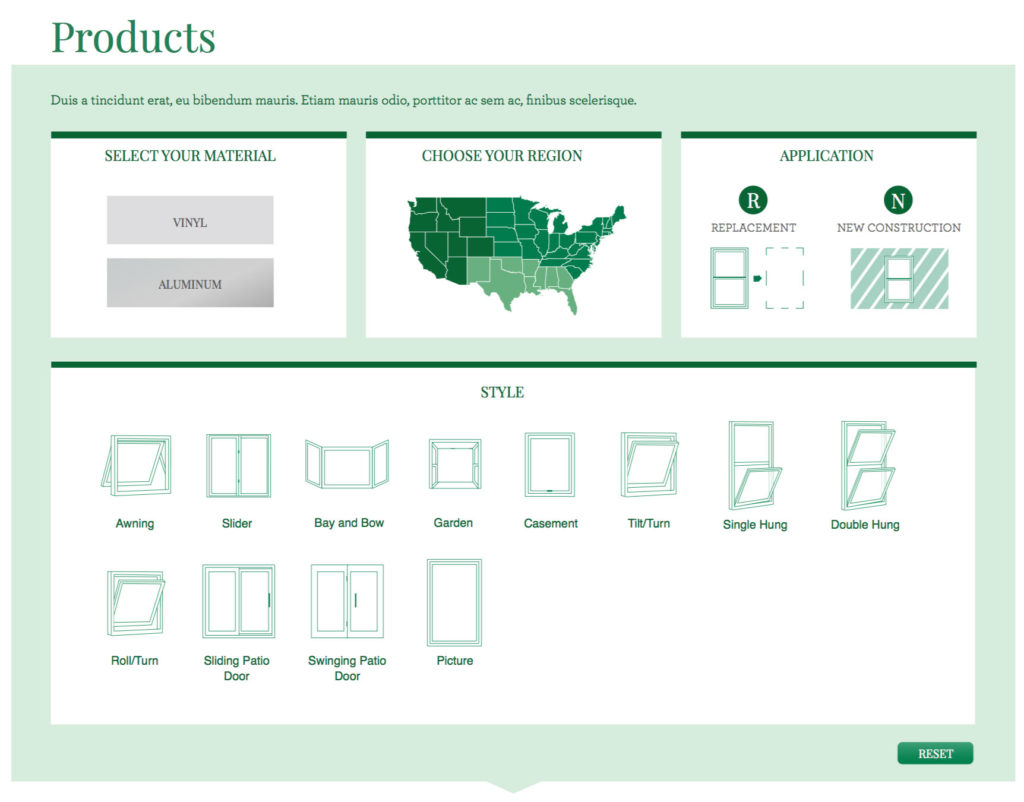
Atrium Windows needed a new search feature
But not just any old search feature. This search feature had to account for multiple manufactures in different parts of the country with geo-specific offerings based on regional building codes and long-established distributor networks.
My role
For this project, I lead the architecture, design, and development of their much needed website upgrade, with a particular focus on nailing the search functionality.
My team included a designer and a developer, with myself as the connection between this team and the account team and client.
Our first task was to normalize their product data
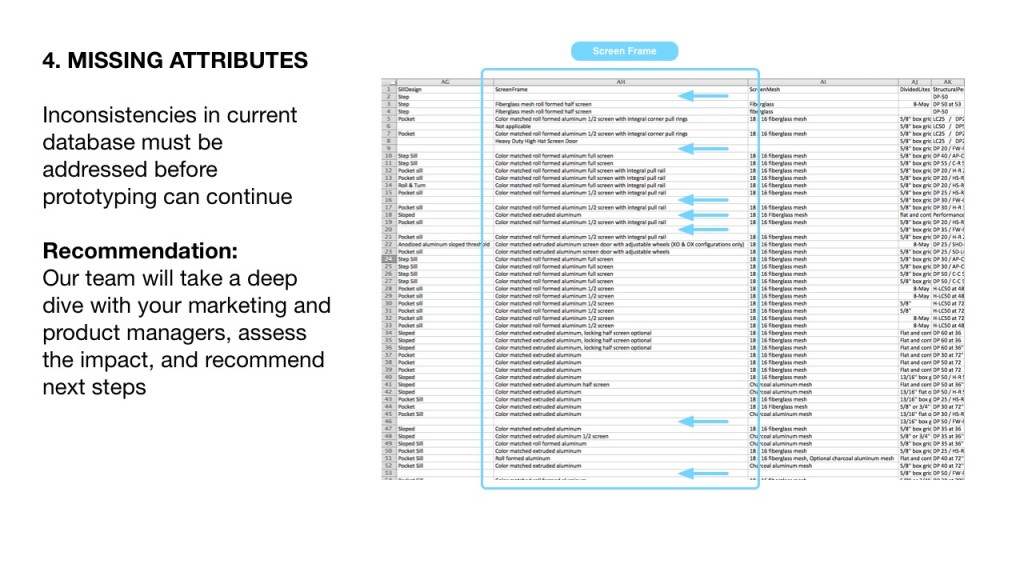
We compiled all of their existing product data into a single master spreadsheet.
Spoiler alert: The data needed work. It was an inconsistent jumble of copy-and-pasted information compiled from multiple manufacturers with conflicting nomenclature for dozens of attributes.
To make the search feature work, I needed to normalize the materials, applications, and styles, as well as create a new attribute for geographic location.
Then, we started iterating
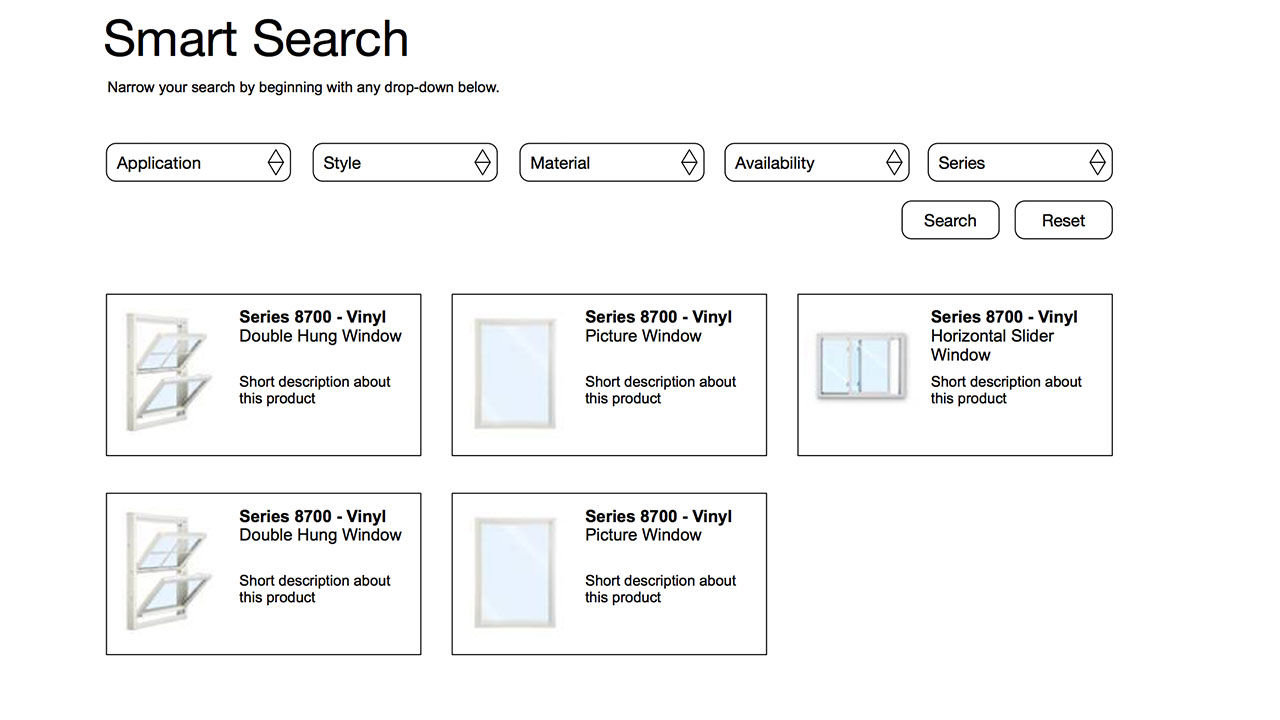
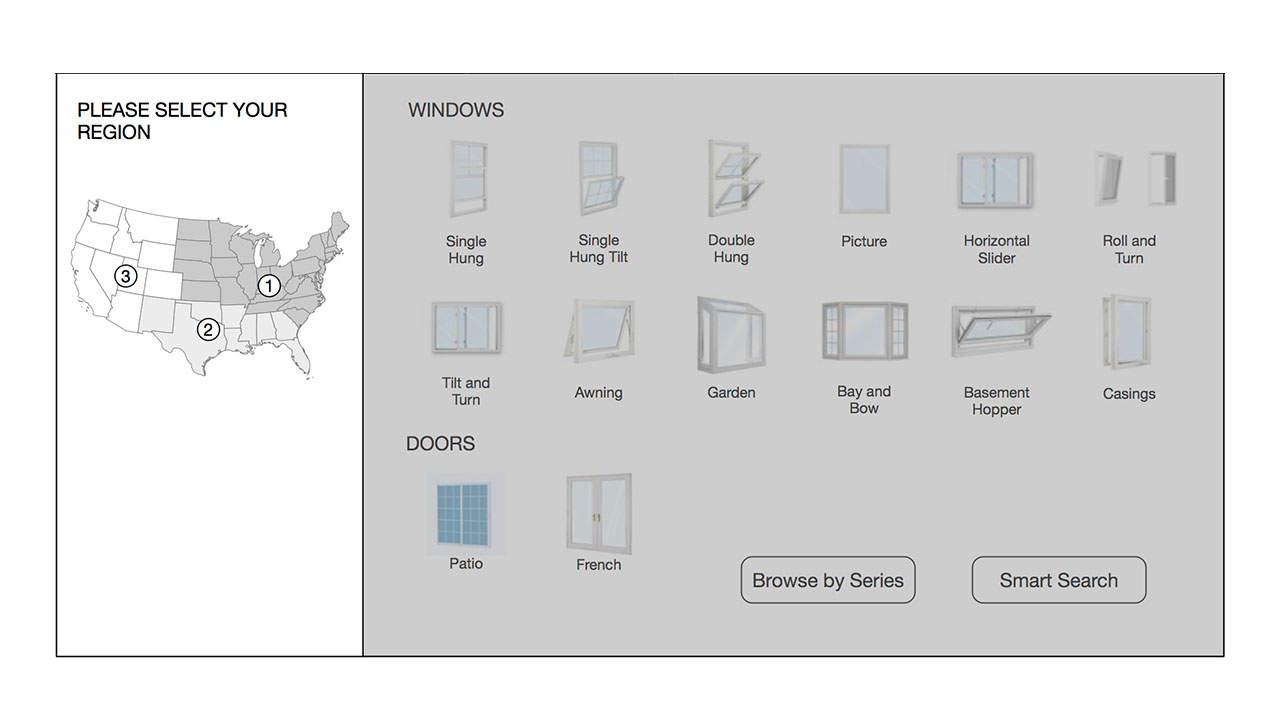
The first design was meant to inform the functional prototype, and gave us a solid user testing foundation.
To finalize the interaction model, we tested multiple auto-transition behaviors until the search felt right across devices.
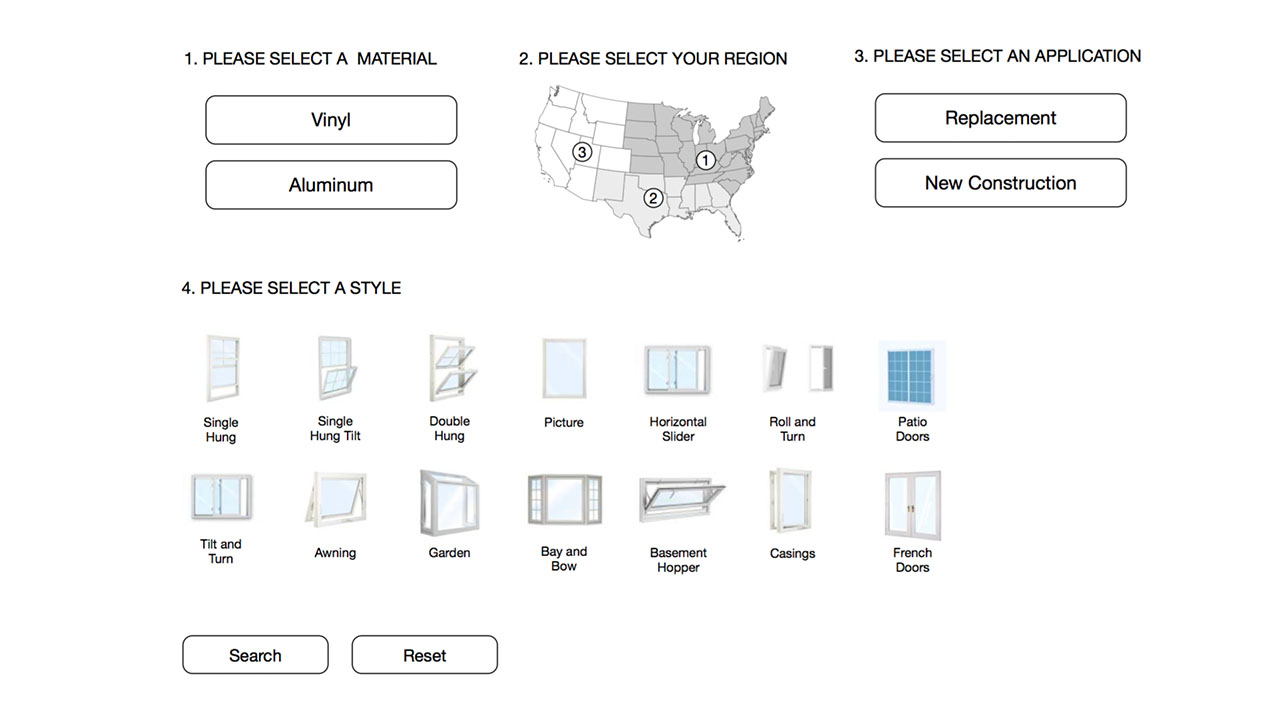
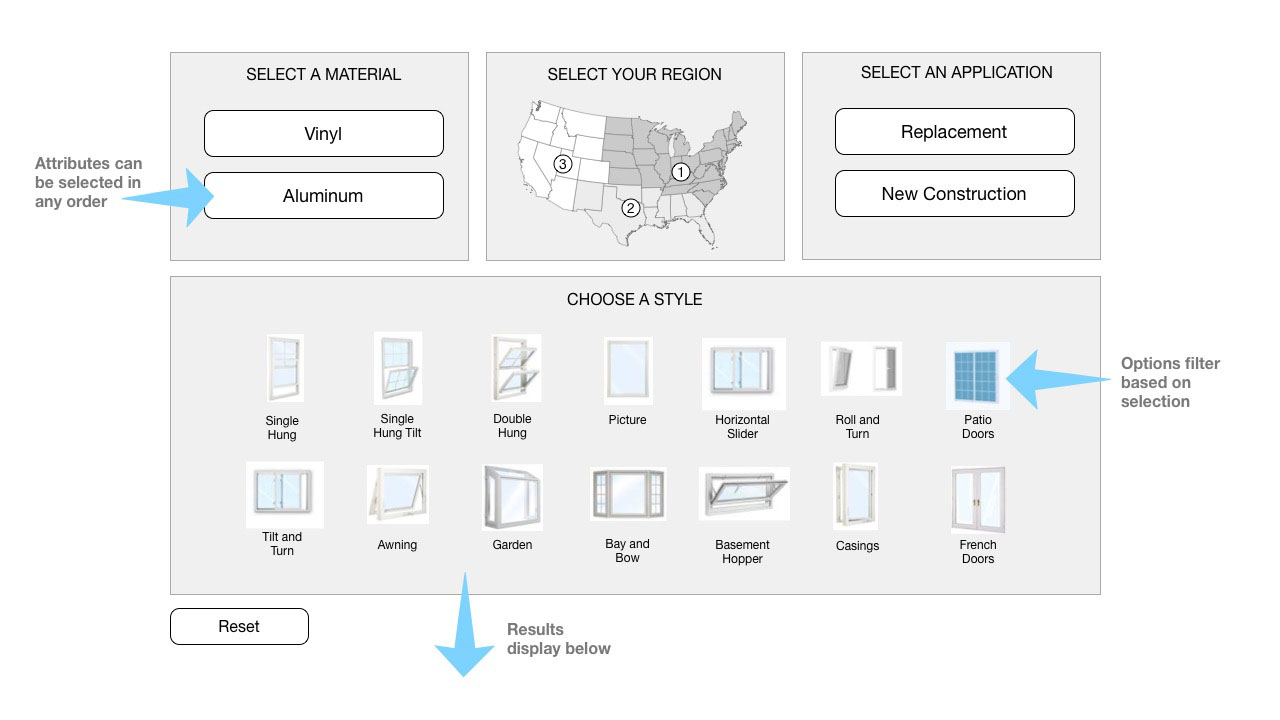
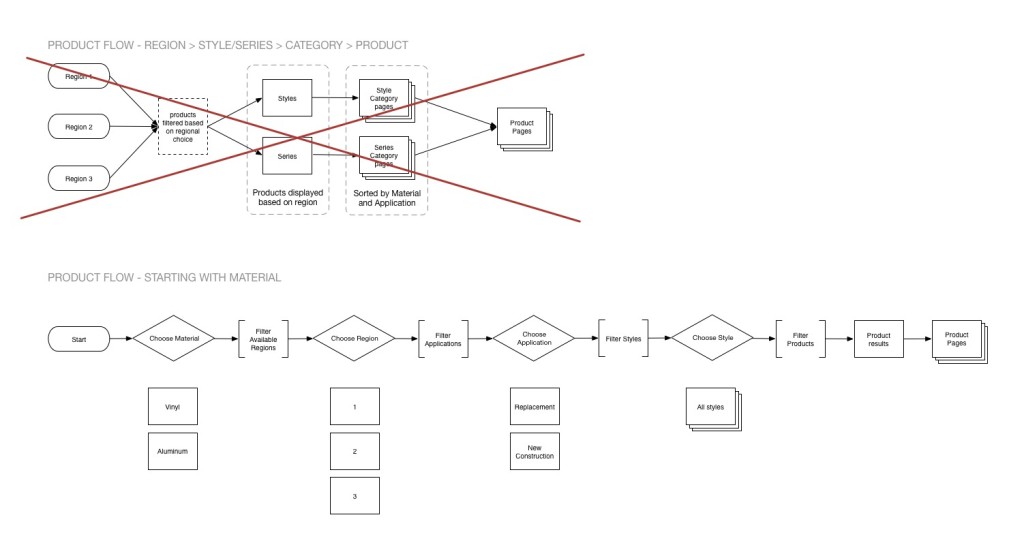
Documenting process flow
While conversation is crucial to collaboration, documentation rules all at the end of the day. Ask a developer. My documentation provides a blueprint for action, and a record of our ideation.
Prototyping and Final Design
We built a functional prototype on day 1, and evolved the heck out of it. User testing with a live prototype helped us fine tune the behavior of the search feature.
After months of design, iteration, and testing, the prototype evolved into the final product (shown here). Click the image to visit the live feature!